~/blog/ai/ai-local-models-are-they-any-good $
AI Local Models - Are they any good?
Cloud models nowadays are great and all but what about local models? Are we able to leverage them?
Lately I’ve been looking into AI and finding it very interesting. From models that took multiple prompts to get a simple logic going to creating everything and more of what you asked in a single prompt.
The advances in the field, techniques in enhancing these models and better hardware allowed us to take a huge leap. Like most of you, I use cloud models for queries or tasks in my day-to-day, but I was wondering: is it any good running a local model in order to preserve our cloud subscriptions? I decided to give it a go.
My build:
AMD Ryzen 9 5900X 12-Core CPU;
AMD Radeon RX6600 8GB GDDR6 VRAM;
32GB DDR4 @ 3200 MHz.
Taking this into account and a quick search, I reached the conclusion that I couldn’t run huge models but I could try to run some models with 8GB VRAM. Some models that might be a possibility would be:
gpt-oss-20b: https://huggingface.co/openai/gpt-oss-20b
qwen3-4b: https://huggingface.co/Qwen/Qwen3-4B-Instruct-2507
qwen3-8b: https://huggingface.co/Qwen/Qwen3-8B
We can also use quantization to trade off some precision for performance, which we will take advantage of.
As for the engine, I used llama.cpp - https://github.com/ggml-org/llama.cpp
Let’s clone the repo, build llama.cpp within the cloned repo and download models:
mkdir ~/llama-server
cd ~/llama-server
git clone https://github.com/ggml-org/llama.cpp
cd llama.cpp
#Build llama.cpp to use VULKAN AMD Drivers (ROCm not supported on the 6600 XT)
#Make sure you build taking into account your graphics card's manufacturer
cmake -B build -DGGML_VULKAN=ON
cd models
#Downloading all these models
# gpt-oss-20b (~12 GB)
curl -o ./gpt-oss-20b-mxfp4.gguf https://huggingface.co/ggml-org/gpt-oss-20b-GGUF/resolve/main/gpt-oss-20b-mxfp4.gguf
# Qwen3-8B Q4_K_M (~5 GB)
curl -o ./Qwen3-8B-Q4_K_M.gguf https://huggingface.co/Qwen/Qwen3-8B-GGUF/resolve/main/Qwen3-8B-Q4_K_M.gguf
# Qwen3-4B-Instruct-2507 Q4_K_M (~2.5 GB)
curl -o ./Qwen3-4B-Instruct-2507-Q4_K_M.gguf https://huggingface.co/unsloth/Qwen3-4B-Instruct-2507-GGUF/resolve/main/Qwen3-4B-Instruct-2507-Q4_K_M.gguf
When our downloads are done, we can move forward and test these. We can use llama-cli to run some tests on these models:
./build/bin/llama-cli --model ~/llama-server/llama.cpp/models/gpt-oss-20b-mxfp4.gguf
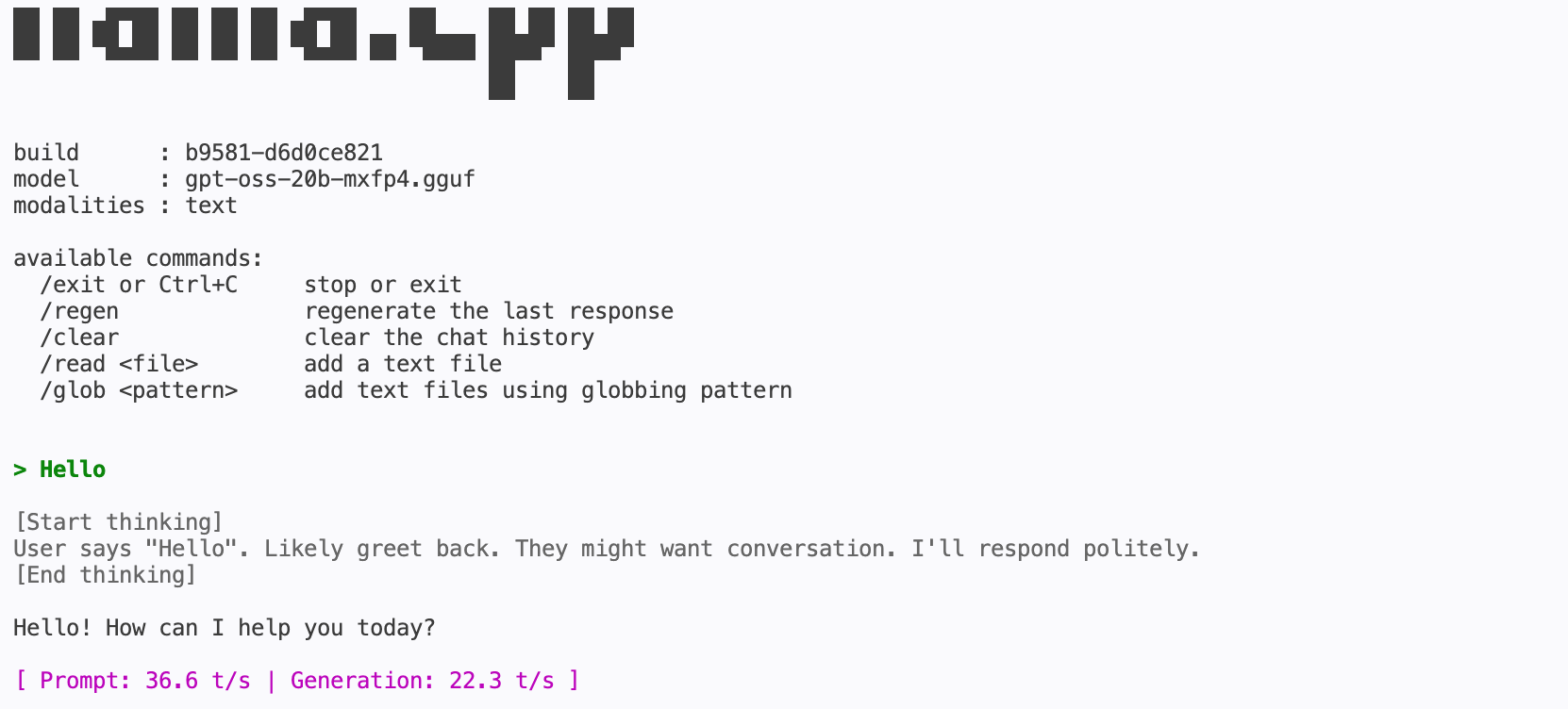
Generating text over 20 tok/s is actually quite good (locally). I then asked it to create a simple bash script:
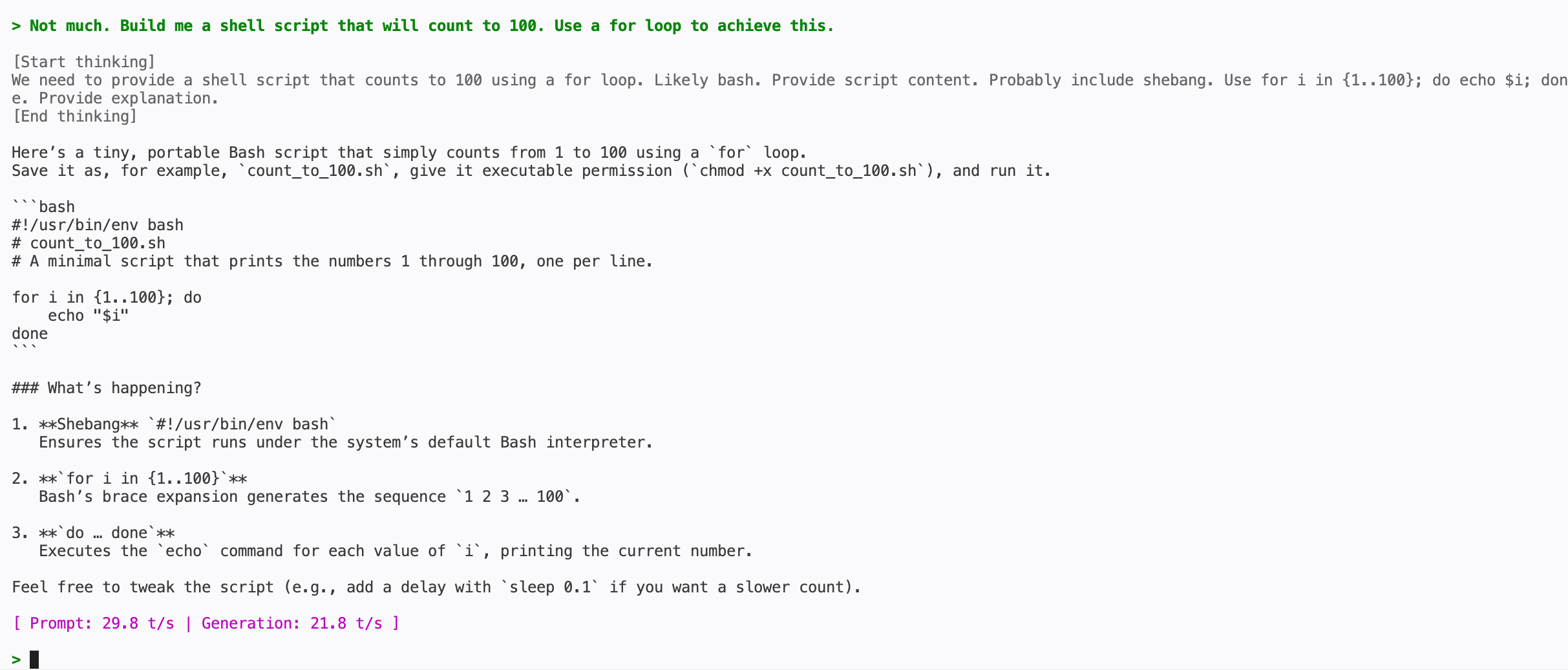
It did its job. It generated a working bash file.
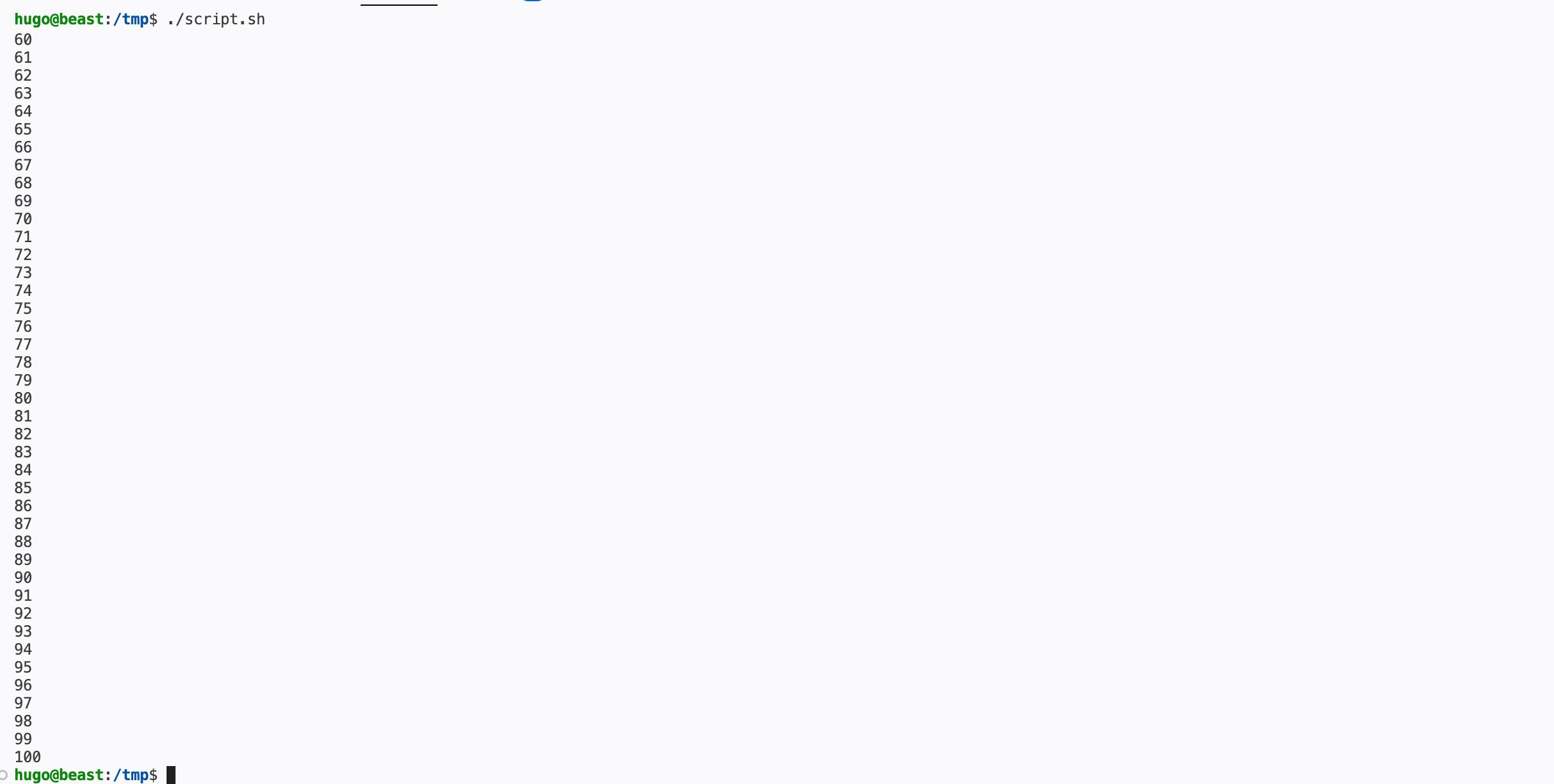
This is the biggest model we have downloaded and it managed to generate text for a functional script.
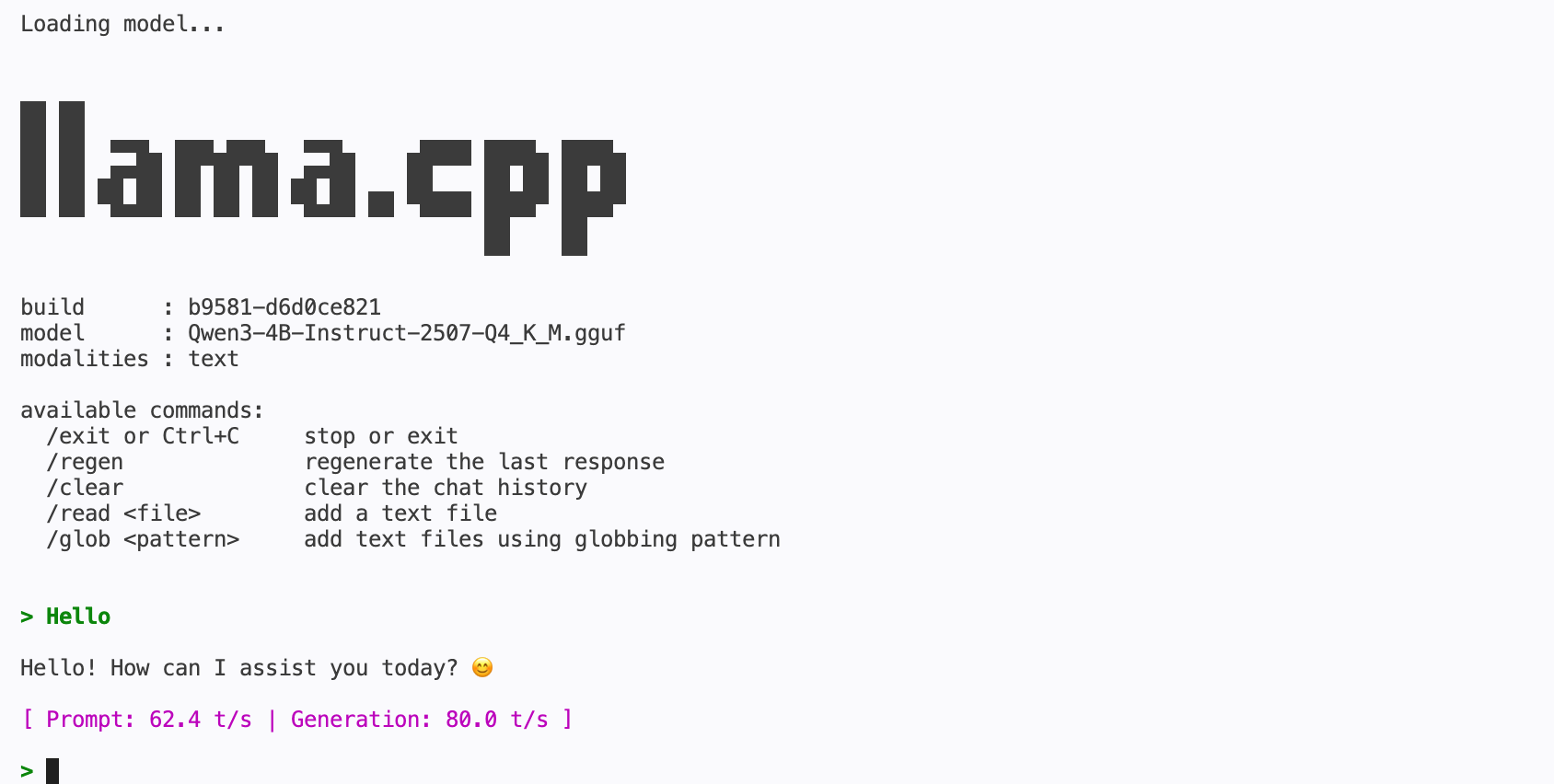
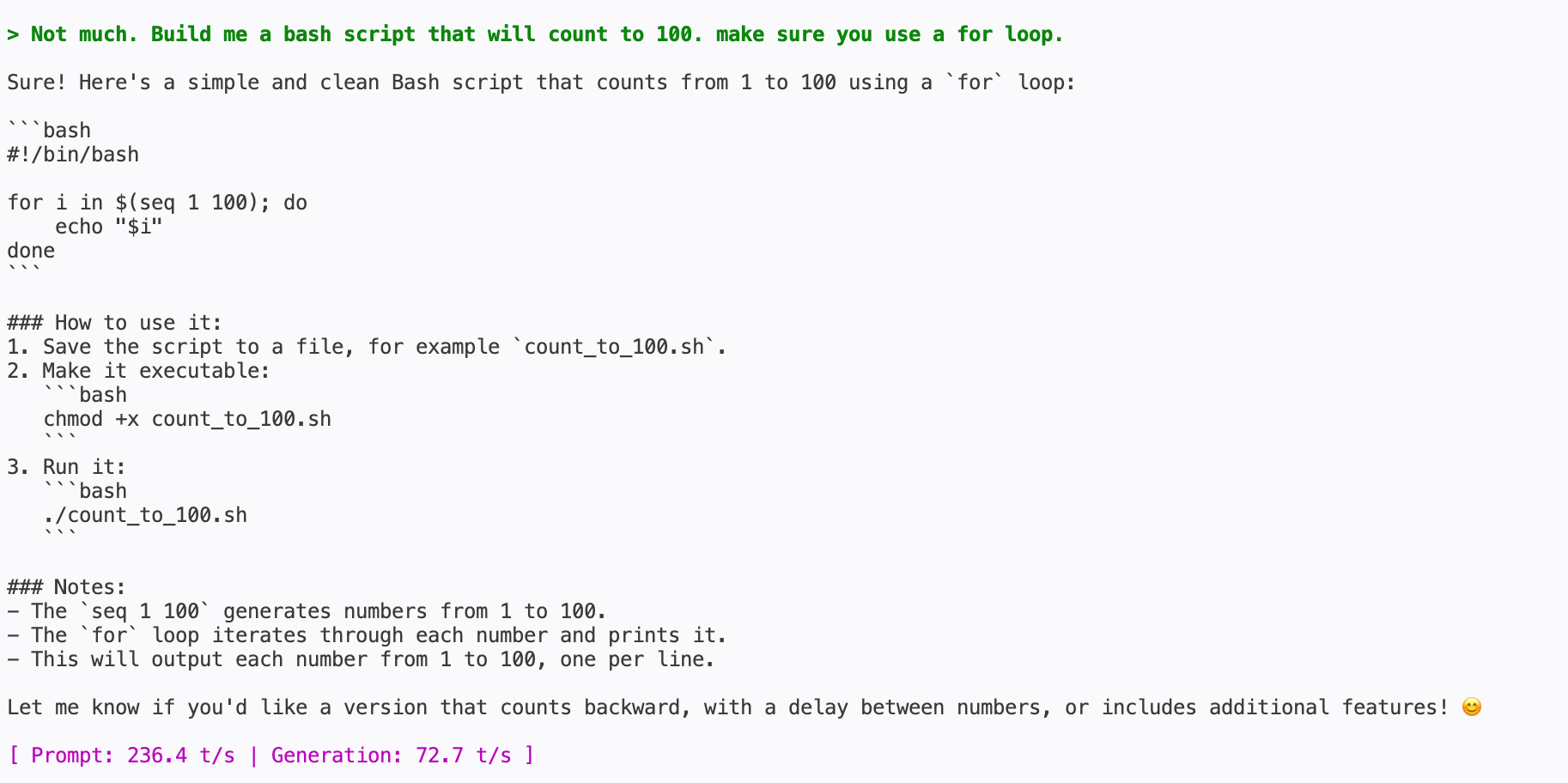
I then tested a lighter model: Qwen3-4B-Instruct-2507, and it’s crazy fast. Asked the same exact thing and we got 70+ tok/s in text generation. The script is also working but, of course, it’s something super simple.
In conclusion, I believe it is possible to run some local models on your device that will enable you - and this is the most important part - to query an AI about an issue or get help with a specific task in a completely private manner. All your queries run locally and are answered based on what the local model was already trained on.
Another positive side is that the models we downloaded actually support tool calling. This means they can be used as agents and integrated with platforms like Openclaw, Hermes and others, and they could probably be used to perform simple tasks you might have already set up within these platforms.
A huge downside, accuracy of these models aside, is the small context window they work within. Since the context window is small, if we attempt to work on a specific project or try to tackle a big task, these are likely to fail. It all comes down to the “size of the job”.
Later on I will try and create something using local models to see, in practice, whether they actually perform.
comments
sign in with GitHub · markdown + reactions